Help center
Frequently asked questions
Everything you need to know about StaffiX — the HR bot for Slack and LINE WORKS (Microsoft Teams coming soon). For step-by-step instructions, see our user guide. Can't find your answer? Get in touch.
Which chat platforms does StaffiX support?
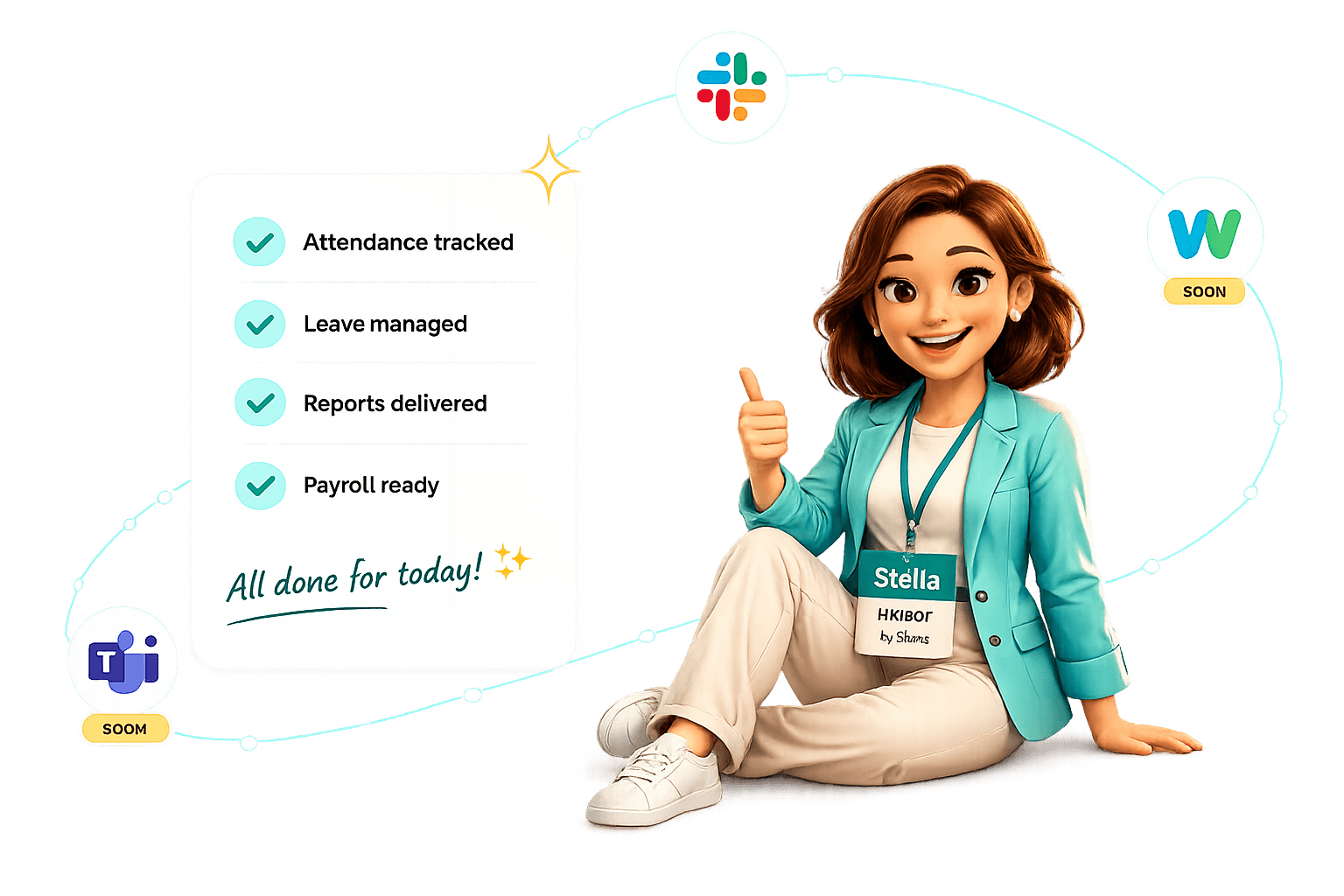
StaffiX is live on Slack and LINE WORKS. Microsoft Teams coming soon. Employees use the same commands in Slack and LINE WORKS, and everything syncs to one dashboard.
How do employees check in?
They send a message — like checkin, break, back, or leave tomorrow. StaffiX confirms instantly and records it. There's no separate app to open and nothing to learn.
Is there anything to install or train on?
No. StaffiX adds to your workspace in about five minutes. If your team can use chat, they can use StaffiX on day one.
Can StaffiX handle payroll?
Yes. Attendance, breaks, and leave flow into payroll-ready exports, so you're not copying hours between tools at the end of the month.
Is StaffiX a good AttendanceBot alternative?
StaffiX covers the same attendance and leave basics, then goes further — daily progress reports (日報), payroll-ready data, deeper dashboards, and native LINE WORKS support for Japanese and cross-border teams.
Is my data secure?
Yes. Data is encrypted in transit and at rest, access is role-based, and StaffiX is built with US and Japan compliance in mind. You can export or delete your data any time.
Is StaffiX available in Japanese?
Yes. StaffiX is bilingual (English and Japanese) — ideal for teams that span the US and Japan, especially on Slack and LINE WORKS.